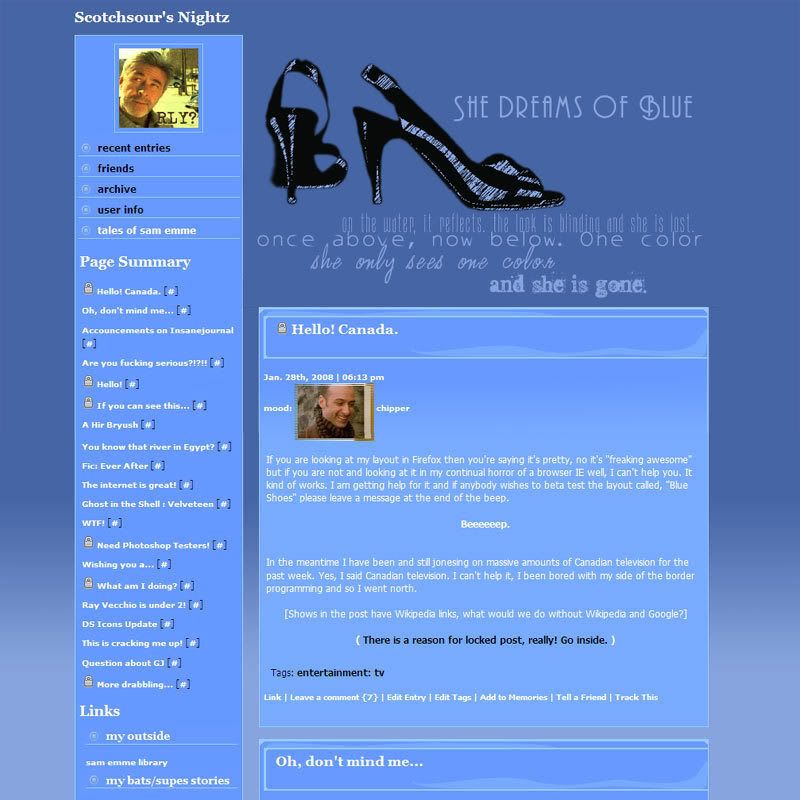
This is for Blue Shoes
(Traquility II) Create Theme Layer
Tutorial by
![[info]](https://www.insanejournal.com/img/userinfo.gif) carriep63
carriep63:
Creating a theme layer (using Livejournal new customize journal area)
Tutorials by
scotchosur:
Creating a Theme Layer (for InsaneJournal users)
Note: This is here for my benefit and bad memory but I didn't add everything under the sun for the blue shoes layer but if you want more extras, try these:
Add these into theme layerLink to:
Original SourceAdding Usericons in the Recent Entries viewTaken from:
Original SourceAdding Additional LinksLook inside and find this line of code to add links to your navigation menu:
$links = $links + "<li><a href=\"urladdhere\">nameoflink</a></li>";
*replace
"urladdhere" with your own your url and
"nameoflink" with the link's name.
To add a new link, simply repeat it.


![[info]](https://www.insanejournal.com/img/community.gif)


 scotchsour. This page was loaded on May 9th 2024, 8:12 pm GMT.

